> For the complete documentation index, see [llms.txt](https://outdoor.router.works/llms.txt). Markdown versions of documentation pages are available by appending `.md` to page URLs; this page is available as [Markdown](https://outdoor.router.works/ezr35-lte/manual/firmware.md).
# Firmware
Built on secure architecture and dedicated to mobile modem optimization, the router firmware features a seamless mobile internet connection and root access privileges granted.
Built on open-source firmware, the outdoor 4G router offers plug-and-play functionality and is user-friendly, with root access provided and advanced tools preinstalled.
Integrated drivers for LTE modems and various mobile protocols. The system supports dual SIM cards, band locking, and 3G/4G IP passthrough. It also supports WiFi relays, guest WiFi, a customizable firewall, multiple WAN configurations, and VPN tunnels for OpenVPN, IPSec, WireGuard, and Tailscale.
You can visit our [knowledge base](https://how.router.works/) for more tips on firmware settings.
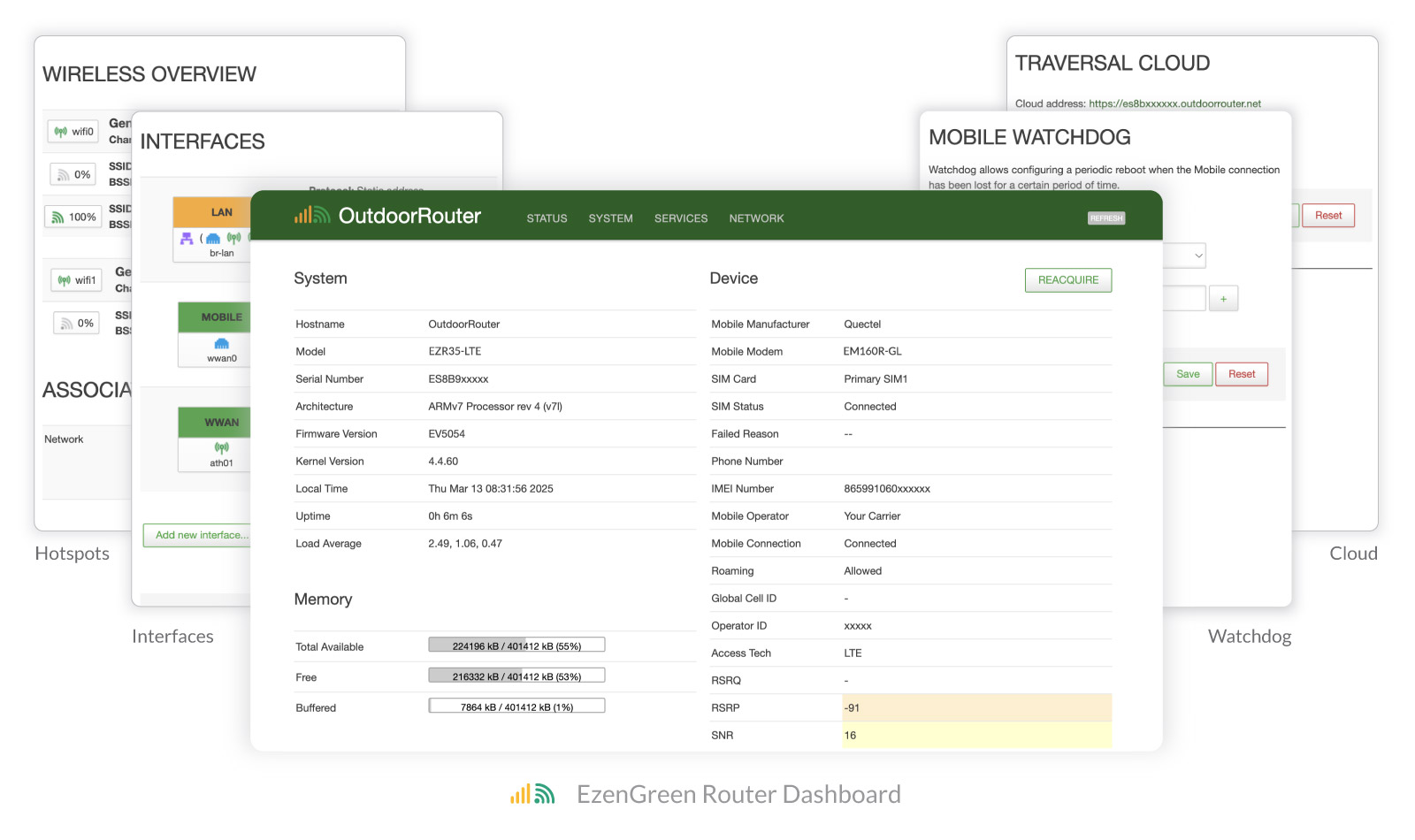
Preview On EzenGreen Dashboard
***
Designed for plug-and-play, no changes are required for testing and basic operation. Please follow the steps below to understand the operation interface and become familiar with its functions.
For security reasons in daily use, it's strongly recommended to set the router and [WiFi hotspot passwords](/ezr35-lte/manual/firmware/wi-fi-hotspots.md#ssid-password). The other settings are not essential. They can be configured to meet your specific requirements for various applications.
{% content-ref url="/pages/XNkcrYYzsyLXNCrsVfRb" %}
[Connect & Login](/ezr35-lte/manual/firmware/connect-and-login.md)
{% endcontent-ref %}
{% content-ref url="/pages/002F246nV0PCstJgGO2q" %}
[Dashboard](/ezr35-lte/manual/firmware/dashboard.md)
{% endcontent-ref %}
{% content-ref url="/pages/dwUeHCk700wUf1PjpEog" %}
[System & Admin](/ezr35-lte/manual/firmware/system-and-admin.md)
{% endcontent-ref %}
{% content-ref url="/pages/oNYiRbmdaLtxv1BjExx8" %}
[Wi-Fi Hotspots](/ezr35-lte/manual/firmware/wi-fi-hotspots.md)
{% endcontent-ref %}
{% content-ref url="/pages/Eu37iFk1WTSgWfoX3uoB" %}
[Mobile Modem](/ezr35-lte/manual/firmware/mobile-modem.md)
{% endcontent-ref %}
{% content-ref url="/pages/oNIqcIgi81Z2JEQLKmOz" %}
[Network Interfaces](/ezr35-lte/manual/firmware/network-interfaces.md)
{% endcontent-ref %}
{% content-ref url="/pages/zPGqTli5za8QX9bYf79H" %}
[Recovery](/ezr35-lte/manual/firmware/recovery.md)
{% endcontent-ref %}
{% hint style="warning" %}
Due to being specially optimized for mobile modems, the router does not support third-party firmware.
{% endhint %}